

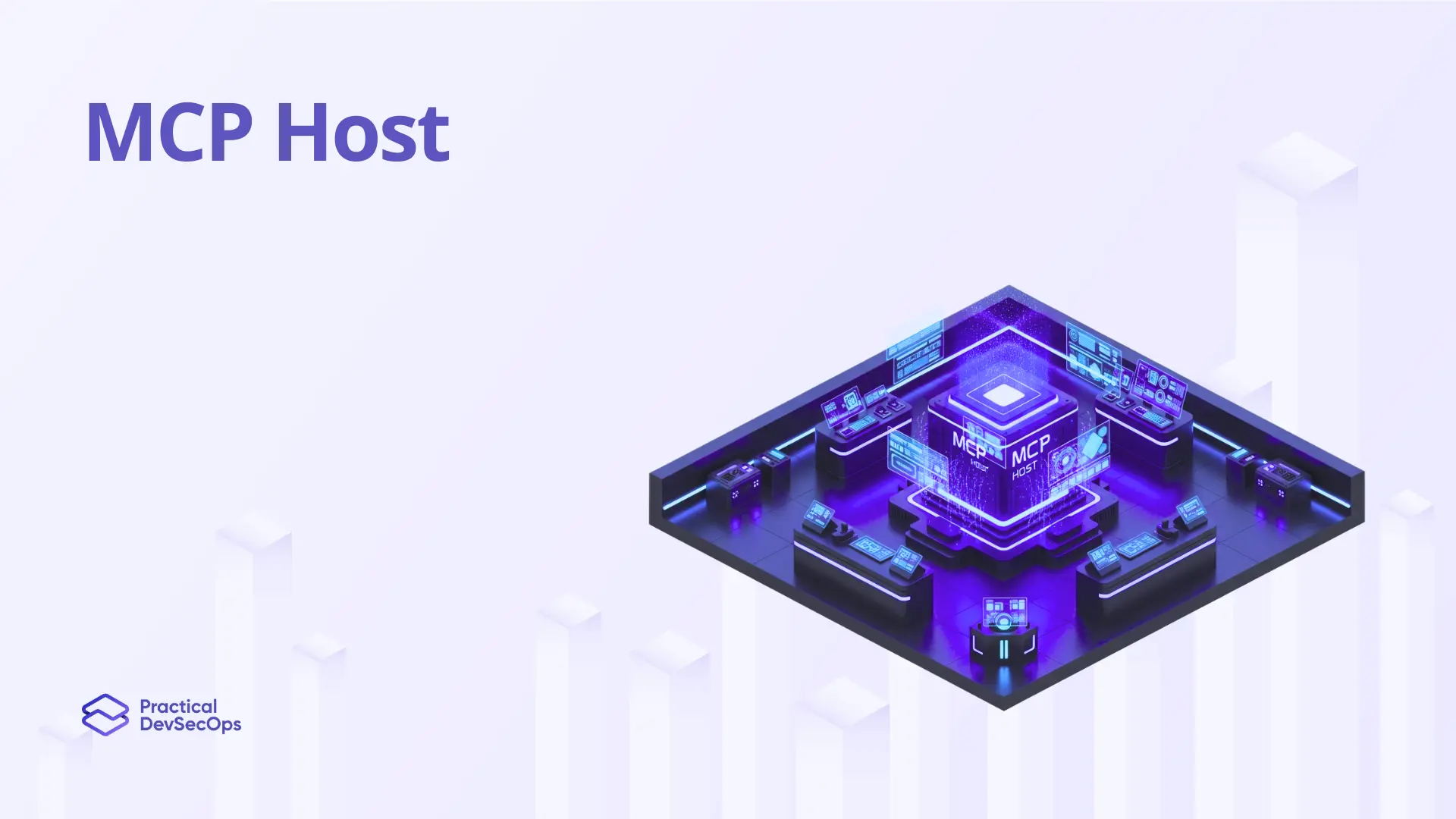
The MCP Host is the AI application a user actually opens and types into. Claude Desktop, Cursor, VS Code with Copilot, ChatGPT Desktop, and custom agents are all hosts. The host is the trust boundary between the user and the rest of the MCP architecture, because everything an LLM agent does on a user’s behalf flows through it.
In Model Context Protocol terms, the host runs the LLM, instantiates one or more MCP clients, manages user consent, and decides which servers to connect to. From a security standpoint, the host carries the heaviest responsibility. If the host fails to validate tool descriptions, fails to surface tool changes, or fails to enforce per-server isolation, every other defense layer gets bypassed.
How an MCP Host Works
The host loads its configuration file (mcp.json or equivalent), starts the MCP servers it’s been told to connect to, and spawns one MCP client per server. For local servers, the host launches a subprocess and talks to it over STDIO. For remote servers, the host opens an HTTP connection.
Once connected, the host pulls the list of tools, resources, and prompts each server offers, merges them into the LLM’s context, and forwards user messages to the model. When the LLM decides to call a tool, the host routes that call to the right MCP client.
Certified MCP Security Expert
Attack, defend, and pen test MCP servers in 30+ hands-on labs. Get certified.
Why the MCP Host Is a Security-Critical Component
The host sees everything. Every tool description from every server lands in the same LLM context window, which is what makes cross-server shadowing attacks possible. The host is also where user consent lives. If the host approves a tool description once and never re-checks when the description changes, you have a rug pull waiting to happen. Hosts that bind MCP servers to 0.0.0.0 instead of localhost expose them to the network. Hosts that pass user-supplied paths to subprocesses without validation enable command injection. Most published MCP CVEs in 2025 and 2026 trace back to host-side mistakes.
How to Harden an MCP Host
Show full tool descriptions to the user before approval and re-prompt when descriptions change. Pin tool versions and hashes. Sandbox each MCP server in its container with default-deny network egress. Validate every URL, path, and command-line argument before passing it to a subprocess. Bind STDIO servers to localhost only. Apply strict per-server permission boundaries, so a compromised server can’t read tokens belonging to another. The Certified MCP Security Expert (CMCPSE) certification walks through each of these patterns with hands-on labs.
Summary
An MCP Host is the AI app where users interact with LLM agents, and it carries the heaviest security burden in the MCP architecture. Get host-side controls wrong, and tool poisoning, rug pulls, and confused deputy attacks all succeed. The Certified MCP Security Expert (CMCPSE) certification trains engineers to design hosts that hold the line.