

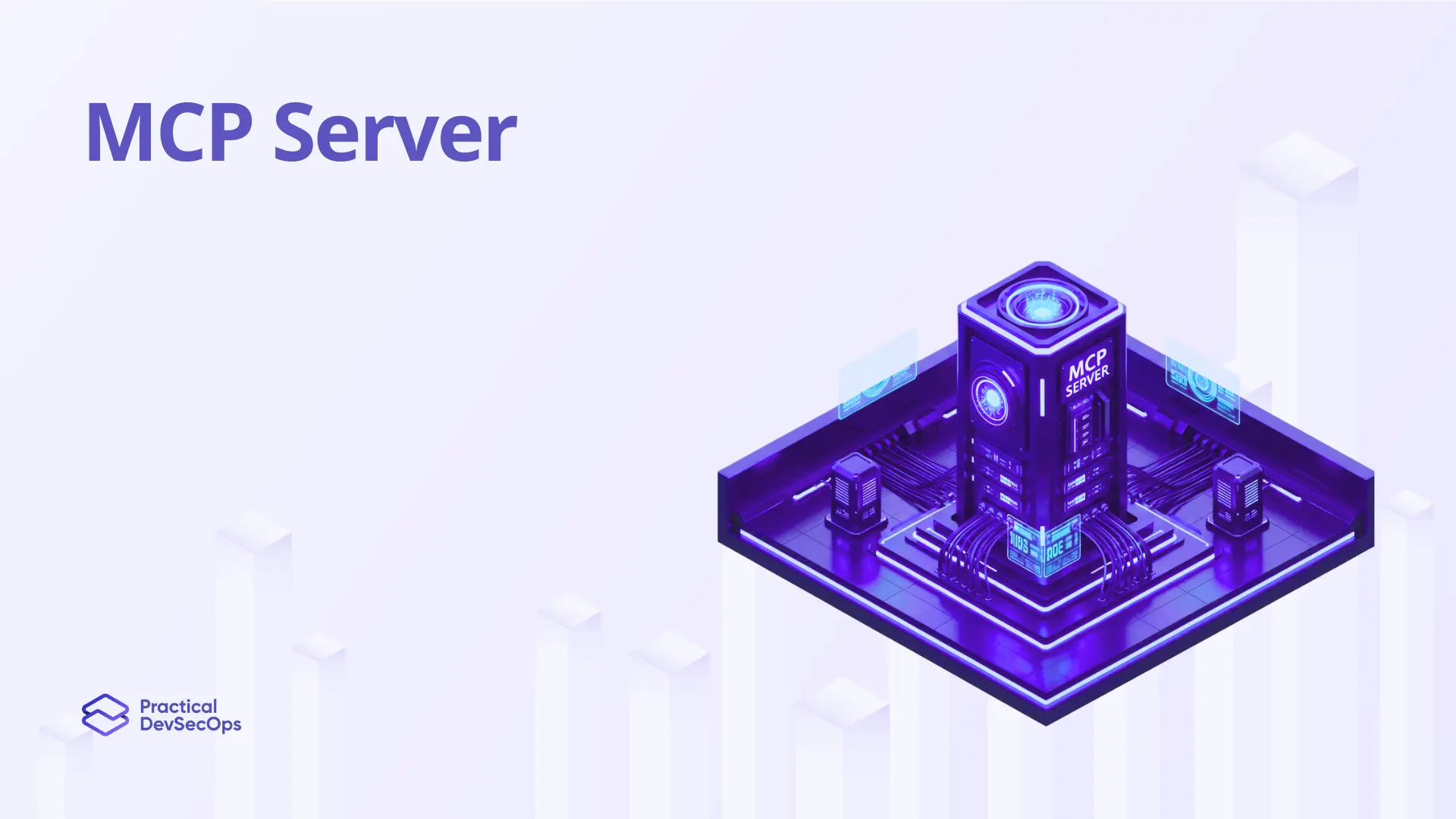
An MCP Server is a lightweight program that exposes tools, resources, and prompts to LLM agents through the Model Context Protocol. Each server typically wraps one external system. A GitHub MCP server gives the LLM the ability to read issues, open pull requests, and search code. A database MCP server lets it query tables.
A file system MCP server lets it read and write local files. As of early 2026, hundreds of open-source and commercial MCP servers are publicly available, and the registry keeps growing. Servers can run locally as subprocesses or remotely as HTTP services. Either way, the MCP server is a privileged component that can read sensitive data and trigger destructive actions.
How an MCP Server Works
A server starts up, accepts a connection from a client (over STDIO or HTTP), and waits for the initialize handshake. During the handshake it advertises which capabilities it supports. Tools are functions with names, descriptions, and JSON schema parameter definitions. Resources are URI-addressable pieces of data the model can fetch. Prompts are templated instructions a user can trigger by name. Once initialized, the server responds to tool calls, returns resource contents, and emits notifications when its tool list changes. Every response gets serialized as a JSON-RPC 2.0 message.
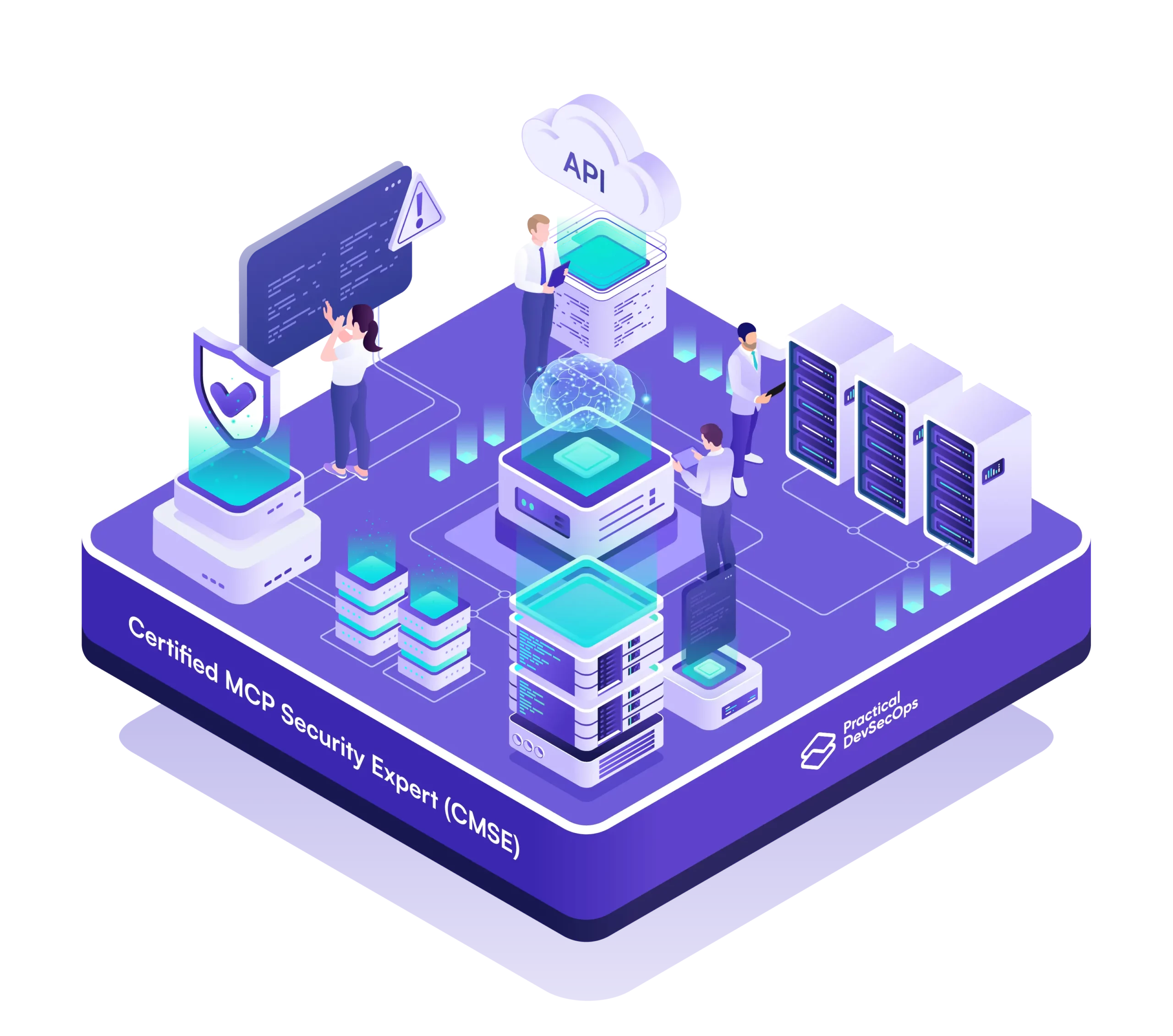
Certified MCP Security Expert
Attack, defend, and pen test MCP servers in 30+ hands-on labs. Get certified.
Why MCP Servers Are High-Value Attack Targets
A single MCP server often holds OAuth tokens, API keys, or database credentials with broad scope. Compromise the server and you compromise everything downstream.
Backslash Security found hundreds of MCP servers bound to 0.0.0.0, exposing them to anyone on the network. Tool poisoning attacks plant malicious instructions inside tool descriptions the user rarely reads.
Rug pulls swap a benign description for a malicious one after initial approval. Confused deputy attacks trick the server into acting on behalf of the wrong user. Servers that don’t validate token audience accept tokens issued for other services, breaking OAuth boundaries.
How to Secure an MCP Server
Bind to localhost or use Unix sockets for local servers. Run remote servers behind OAuth 2.1 with PKCE. Validate token audience claims on every request. Sandbox the server process in its own container with default-deny network egress. Sign tool descriptions and pin versions, so changes require re-approval. Treat every input from the LLM as untrusted, including tool arguments. The Certified MCP Security Expert (CMCPSE) certification covers each of these controls with practical labs.
Summary
An MCP Server is the component that exposes tools, resources, and prompts to LLM agents over the Model Context Protocol. Servers hold sensitive credentials and trigger real-world actions, which makes them prime targets for tool poisoning, rug pull, and confused deputy attacks. The Certified MCP Security Expert (CMCPSE) certification trains engineers to build and operate MCP servers that survive contact with attackers.