

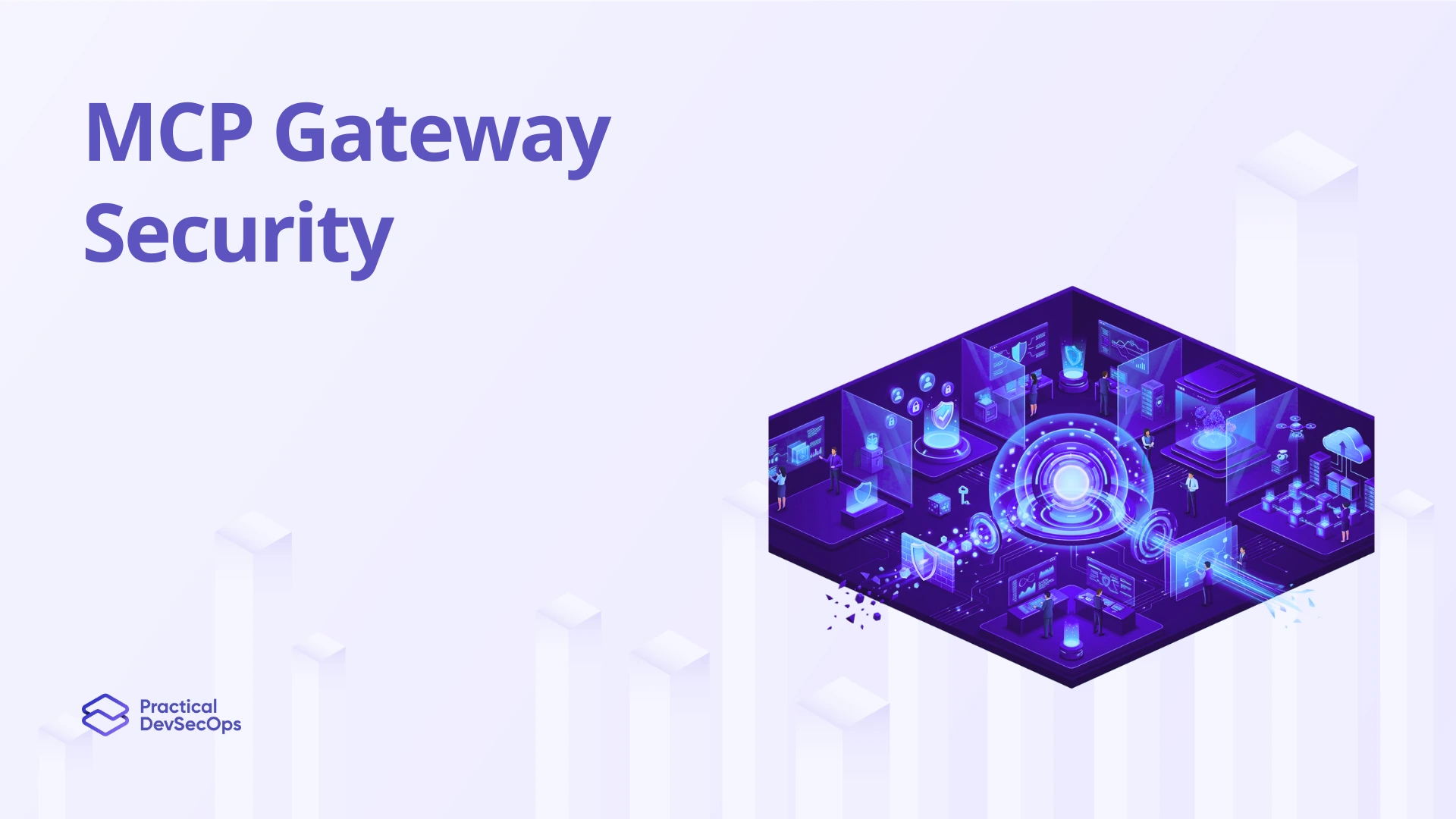
Your API gateway validates HTTP requests. It checks auth headers, rate limits callers, and blocks malformed payloads. But when an AI agent calls a tool through an MCP server, none of that fires. The MCP gateway is the only layer that sees the full picture: who the agent is, what tool it called, what parameters it passed, and what came back.
Without it, your AI integration layer is exposed. This post covers what MCP gateway security looks like in practice, what it catches that traditional tooling misses, and how to build a defensible configuration.
What an MCP gateway does that a WAF can’t
A WAF blocks bad HTTP traffic. An MCP gateway blocks bad agent behavior.
When CVE-2025-53967 dropped for Figma’s MCP server, the vulnerability was command injection through tool parameters, not a malformed HTTP header. A WAF saw nothing. An MCP-aware gateway that validates tool inputs before passing them downstream would have caught it.
The MCP spec is explicit: security enforcement is left to the implementor. The protocol defines no built-in identity, no least-privilege enforcement, no audit trail. The gateway is where you add all three.
At minimum, your MCP gateway should handle:
- Authentication. Validate OAuth 2.1 tokens on every inbound request. Reject tokens not issued for that specific server. No passthrough.
- Authorization. Enforce least-privilege per agent, per tool, per operation. What an agent can do in Jira shouldn’t include what it can read from your analytics stack.
- Input validation. Strip control characters, enforce type checking, reject oversized payloads before they reach a backend server or an LLM context.
- Audit logging. Every tool call recorded: agent identity, tool name, parameters, response, and the human authorization chain.
Also read about MCP Security Vulnerabilities
The cross-tool privilege escalation problem
Two individually harmless MCP servers, when combined, can exfiltrate data neither could access alone. An agent connecting Jira for project management and a cloud analytics tool might, through a chained sequence of tool calls, leak data across a boundary neither tool was designed to permit.
The gateway is the only place with visibility across both servers. Define which tools an agent can chain together, and block combinations that create an unintended access path.
Without this, you’re running the confused deputy problem at scale. The MCP server executes with its own privileges, not the requesting user’s. If the agent holds broad OAuth scopes, a poisoned tool description can trigger admin-level operations the user never intended to grant.
Rug pull detection at the gateway layer
Tool poisoning gets the press. But rug pulls are operationally nastier because they’re delayed.
A rug pull happens when a server changes its tool definitions after the user has approved them. The initial review looks clean. Two weeks later, a legitimate-looking tool starts embedding hidden instructions that tell the agent to call a restricted endpoint and send output to an external host.
The defense: pin tool definitions with cryptographic hashes at the gateway. Before each execution, verify the hash against the approved version. If the description has changed, re-trigger an approval flow. Run mcp-scan in CI/CD to catch this pre-deployment. The gateway is runtime enforcement, and runtime is when it matters most.
PII interception before it hits the LLM
The failure mode is simple: an agent calls a database tool, the tool returns a row with SSNs and API keys in plaintext, and all of it gets passed into the LLM context.
The gateway sits between the tool response and the LLM. Run PII detection on every tool response before it leaves the gateway. Redact or replace sensitive fields. Log what was caught. This is standard practice for API gateways handling financial data. It’s almost entirely absent from MCP gateway configurations in production.
The audit log most teams skip
Without centralized gateway logging, you can’t answer: which agent accessed which tool, with which parameters, authorized by whom, and what data was returned?
That chain is the evidence SOC 2, HIPAA, and GDPR auditors expect. It’s also what you need to scope a breach.
Log at the gateway layer, not just the server layer. Server logs show what the server did. Gateway logs show what the agent intended, with identity context attached.
Also read about the MCP Security Guide
Conclusion
The MCP gateway isn’t optional infrastructure. It’s the only enforcement point your AI integration layer has. Every tool call, every agent session, every token validation, every PII redaction. it all runs through here or it doesn’t run through anything.
Most teams ship MCP servers without a gateway because it feels like extra work. That’s the wrong call. The spec gives you nothing at the protocol level. No identity, no audit trail, no least-privilege enforcement. You bring all of that. The gateway is how you bring it without bolting controls onto every individual server.
Get the gateway right first. OAuth 2.1 per request, hash-pinned tool definitions, PII interception on responses, and a full identity chain in every log entry. Once that’s in place, the rest of your MCP security posture has something solid to build on.
Enroll in the Certified MCP Security Expert (CMCPSE) and build this properly in real lab environments.
Also read about MCP Tool Poisoning
FAQs
Production deployments report sub-3ms overhead for most operations. Caching auth decisions for short-lived sessions (5-10 minutes) brings it down further.
No. Standard API gateways validate HTTP semantics. They don’t understand MCP tool schemas or tool definition changes over time. You need an MCP-aware layer for AI agent traffic.
Start with read-only scopes. Grant write access only to specific tools that require it. Bind scopes to the agent session using the MCP spec’s 2025-11-25 delegation support, not the user account.
Local stdio runs with full user privileges. Sandbox local MCP servers in containers with restricted volume mounts. Remote HTTP requires TLS 1.3 and mTLS for server-to-server calls. Enable DNS rebinding protection for any local HTTP transport.
The Certified MCP Security Expert (CMCPSE) from Practical DevSecOps covers MCP gateway architecture in 30+ lab exercises, including OAuth 2.1 hardening, attack simulation (tool poisoning, rug pulls, prompt injection), and red-teaming real MCP servers. It’s built for security professionals who need to move from theory to working configurations fast.